

TL;DR:
- Color accuracy in DTF printing ensures designs match clients’ digital files closely, boosting trust.
- Regular calibration, substrate-specific profiles, and consistent press settings are key to achieving accurate colors.
- Good color management practices lead to higher customer retention, better reputation, and increased business success.
You can spend thousands on a premium DTF printer and still ship orders that look nothing like the original design. Faded colors, muddy gradients, and off-brand shades are frustratingly common, and they have very little to do with your equipment’s price tag. The real issue is color management, a set of disciplines that most shops overlook entirely. This guide breaks down exactly what color accuracy means in DTF printing, why it separates thriving apparel businesses from struggling ones, and what you can start doing right now to produce prints your customers will love and reorder.
Table of Contents
- What is color accuracy in DTF printing?
- How DTF compares: Color accuracy vs. other printing methods
- What most printers miss: Keys to real color accuracy
- Simple steps to maximize color accuracy in your DTF prints
- Why color accuracy is your competitive edge, real talk
- Level up your results with professional DTF solutions
- Frequently asked questions
Key Takeaways
| Point | Details |
|---|---|
| Color accuracy matters | Vivid, consistent colors signal professionalism and boost customer satisfaction. |
| DTF’s strengths and limits | DTF enables rich gradients and color images but requires technical care for best results. |
| Never skip calibration | Routine printer calibration and using proper color profiles prevent faded or off-color prints. |
| Simple steps, big impact | A standard color management checklist makes a visible difference in print quality. |
| Smart support pays off | Professional DTF services can eliminate common color pitfalls and free you to focus on design. |
What is color accuracy in DTF printing?
Color accuracy in DTF printing is the ability to reproduce your digital design’s colors on fabric as closely as possible to what you see on screen. That sounds simple, but the gap between a monitor’s displayed color and the final pressed transfer can be enormous without proper processes in place.
For apparel businesses and independent artists, accurate color is not just a technical nicety. It is a business requirement. When a client sends you a brand logo in a specific shade of red, they expect that exact shade on their finished shirts. When it comes back as coral or burgundy, you have a problem that costs money, time, and trust. Returns, reprints, and negative reviews all trace back to this one overlooked discipline.
Here is why color accuracy matters so directly to your bottom line:
- Brand consistency: Clients with established brand colors depend on you to match them precisely every time.
- Customer retention: A print that matches the proof builds confidence and drives repeat orders.
- Reduced waste: Catching color issues before a full run saves material and production hours.
- Professional reputation: Vibrant, true-to-life prints get noticed and recommended; inaccurate ones get photographed and posted online for the wrong reasons.
DTF has a genuine strength here compared to some rivals. As noted in research on modern print technology, DTF handles vibrant gradients and photographic images better than screen printing, which is limited by the number of colors and screens available per job. That flexibility makes DTF powerful, but it also makes color management more critical because there are more variables to control.
“Color accuracy is not about having the best printer on the market. It is about understanding the relationship between your file, your ink, your film, and your substrate.”
Before you can build that understanding, it helps to learn the key DTF printing terms that define each step in the production chain, from color profiles to film coating types.
How DTF compares: Color accuracy vs. other printing methods
Now that we have defined color accuracy, it is essential to compare how DTF stacks up against other trusted printing technologies. The differences matter because they shape which method you choose for a given project and how you manage expectations with clients.
| Feature | DTF | Screen printing | DTG |
|---|---|---|---|
| Color range | Very wide, CMYK+ | Limited by screen count | Wide, CMYK |
| Gradient quality | Excellent | Poor to fair | Good |
| Fabric compatibility | Nearly all fabrics | Best on cotton | Best on cotton |
| Durability | Very good | Excellent on cotton | Good |
| Setup cost per run | Low | High for short runs | Low |
| Photo-realistic prints | Yes | No | Yes |
DTF delivers vibrant gradients and photos with broader fabric compatibility than screen printing, though screen printing remains superior for durability on massive, single-color production runs. This is a crucial distinction for your business model.
When DTF clearly wins:
- Designs with soft gradients, shadows, or photographic detail
- Short to medium runs where screen setup costs are too high
- Jobs on polyester, nylon, or blended fabrics where DTG struggles
- Orders requiring fast turnaround without press setup time
When other methods may suit better:
- Thousands of identical shirts in one or two solid colors where screen printing’s durability and vibrancy per wash cycle are unmatched
- Direct-to-garment on light cotton for a soft, embedded feel without a transfer layer
Pro Tip: Many successful shops use DTF alongside screen printing rather than instead of it. Use DTF vs screen printing comparisons to guide client conversations about which method fits their job, and consult detailed DTF vs DTG methods breakdowns when fabric type is the deciding factor. Mixing methods strategically protects your margins and your quality reputation.
What most printers miss: Keys to real color accuracy
With a clear picture of DTF’s place among printing options, let’s dig into the hidden details that define truly accurate color. Most shops focus on hardware specs and skip the practices that actually drive consistency.
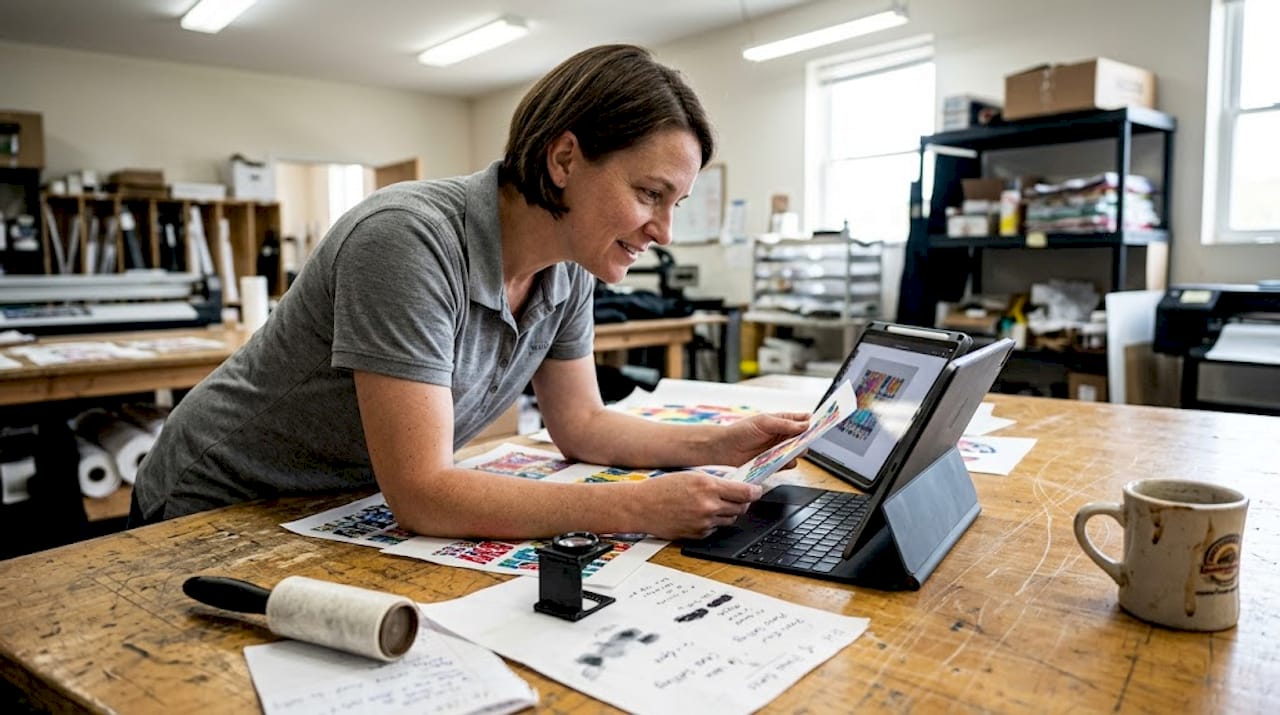
The industry research is direct on this: regular spectrophotometer calibration, substrate-specific profiles, and ink system advancement are critical habits that most shops consistently neglect. A spectrophotometer is a device that measures the actual color output of your printer by reading light wavelengths from a printed sample, giving you objective data rather than relying on your eyes.
Here are the core practices that separate color-accurate shops from the rest:
- Calibrate regularly. Printer heads drift over time. Running a calibration print weekly, or more often under heavy use, catches drift before it reaches a customer order.
- Use ICC profiles. An ICC profile is a small file that tells your printer how to translate digital color values into the specific ink and film combination you use. Generic profiles are a shortcut that costs you accuracy. Build or download profiles specific to your film brand and ink set.
- Proof on the actual substrate. A color proof printed on your exact film and pressed on the actual fabric type is the only reliable color confirmation. Monitor proofing alone is not enough.
- Track your ink age and storage. Inks that are expired or stored improperly shift in color output, often subtly enough to miss run to run until a customer complains.
- Standardize your press settings. Temperature, pressure, and dwell time all affect how color transfers. Inconsistent press settings introduce color variation even when everything upstream is correct.
“The shops producing the most consistent color are not the ones with the newest equipment. They are the ones with the tightest routines.”
Pro Tip: Bookmark the DTF troubleshooting guide and review it anytime you see a recurring color issue. Pair it with a structured quality checklist for DTF to catch problems before they become expensive reprints.
Simple steps to maximize color accuracy in your DTF prints
Bringing this insight into action, here is exactly how to embed color accuracy into your DTF production, no technical degree required. These habits can be built into your daily workflow without slowing down output.
Your color accuracy routine:
- Run a calibration print at the start of each production day
- Load the correct ICC profile for your current film and ink batch before every job
- Store inks in a cool, dark space and rotate stock using first-in, first-out order
- Press a proof transfer on a scrap piece of your target fabric before running a full order
- Document press settings (temperature, time, pressure) for each fabric type and keep them posted at the station
- Compare finished transfers to the original digital file under consistent lighting, not overhead fluorescents which distort perception
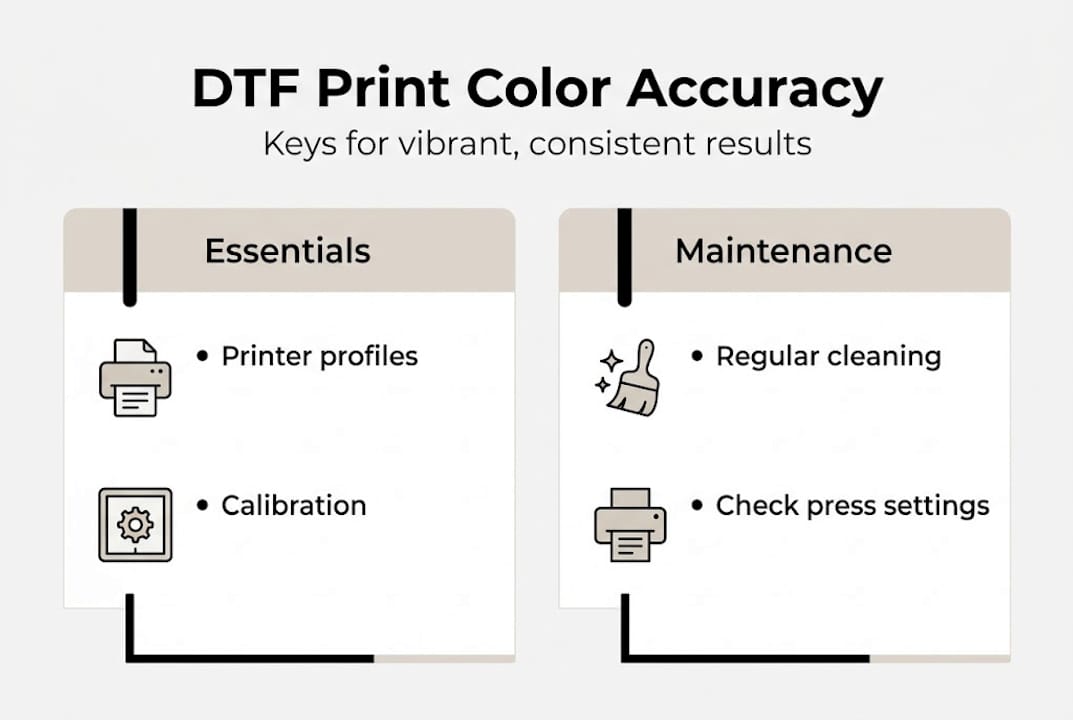
As the evidence confirms, hardware maintenance paired with smart color management practices together produce the best results. Neither alone is enough.
Common color issues and how to fix them:
| Problem | Likely cause | Fix |
|---|---|---|
| Colors look faded after pressing | Wrong press temperature or time | Test press settings on scrap fabric |
| Reds appear orange | Incorrect ICC profile loaded | Reload correct substrate profile |
| Colors vary between batches | Ink age or storage inconsistency | Rotate stock, check ink expiration |
| Gradients look banded | Low print resolution or RIP settings | Increase DPI, check RIP software settings |
| Colors match screen but not fabric | No substrate-specific profile in use | Build or source a profile for your film type |
For additional setup guidance, the DTF setup best practices resource walks through equipment configuration from start to finish. For recurring issues, the DTF troubleshooting tips page offers targeted solutions organized by symptom.
Why color accuracy is your competitive edge, real talk
Before you put all these tips to use, it is worth considering how color accuracy changes more than just your prints.
Too many shops treat color accuracy as optional, something to revisit when a client complains. That mindset costs more than money. It costs your reputation. The shops growing fastest in the custom apparel space are not always the ones with the biggest machines. They are the ones clients trust to get it right the first time, every time.
Flawless color builds repeat business faster than any discount or promotion. A customer who receives a shirt that matches their brand guide exactly will come back. They will send their contacts. They will leave the review that brings in three more orders. Meanwhile, the shop that ships a close enough print might never hear from that customer again.
Small tweaks to your color management routine, weekly calibration, proper profiles, documented press settings, produce compound results over months. The ROI on fifteen minutes of daily discipline is genuinely remarkable. Clients remember how a print made them feel when they opened the box. They do not remember whether you used the latest printer model. Learn more about how DTF durability and efficiency translate into long-term client value and business growth.
Level up your results with professional DTF solutions
Ready to take your apparel business to the next level with guaranteed clarity and color in every print? Here is where real experts can help.

At Transfer Kingz, we built our entire process around color precision, premium inks, calibrated equipment, and expert profiles for every film type we use. Whether you need a single gang sheet or a bulk production run, our custom DTF printing in Dallas service removes the guesswork and delivers transfers that match your designs accurately. Not sure where to start or which product fits your workflow? Our Print Point DTF advice hub gives you direct access to guidance from our team, helping you choose the right solution for your apparel goals.
Frequently asked questions
Why do DTF prints sometimes look faded compared to the digital design?
Faded DTF prints usually result from poor color calibration or skipping substrate-specific profiles during setup. As color research confirms, calibration and profiles are essential for output that matches your original design.
Can DTF printing match the vibrancy of screen printing for all designs?
DTF outperforms on gradients and photos, but screen printing offers unmatched saturation for large, single-color runs. Research shows DTF shines on complex images while screen printing wins on simple, large-volume jobs.
What’s the easiest way to boost DTF color accuracy at my shop?
Start by regularly calibrating your printer and using ICC profiles tailored to your specific films and inks. Industry data confirms that calibration and niche profiles are the two highest-impact habits for consistent output.
How does color accuracy affect repeat business?
Consistent, rich colors align with client expectations and drive loyalty and positive reviews. When customers receive prints that match their designs precisely, they return and refer others without hesitation.
0 comments