

Choosing the right software can make a big difference when printing gang sheets for DTF projects. New features and smarter tools are appearing each year. With so many options, picking the best fit can feel tricky. Some programs focus on speed while others offer specialized layouts and controls. The latest software stands out in surprising ways that are easy to miss at first glance. Curious which ones really deliver? See what sets these top choices apart.
Table of Contents
- Transfer Kingz
- Best Software for DTF Gang Sheet Design: The Ultimate Guide
- CorelDRAW Graphics Suite 2025
- Affinity
- Fiery Specialty Production
- SAi Software Suite
Transfer Kingz
At a Glance
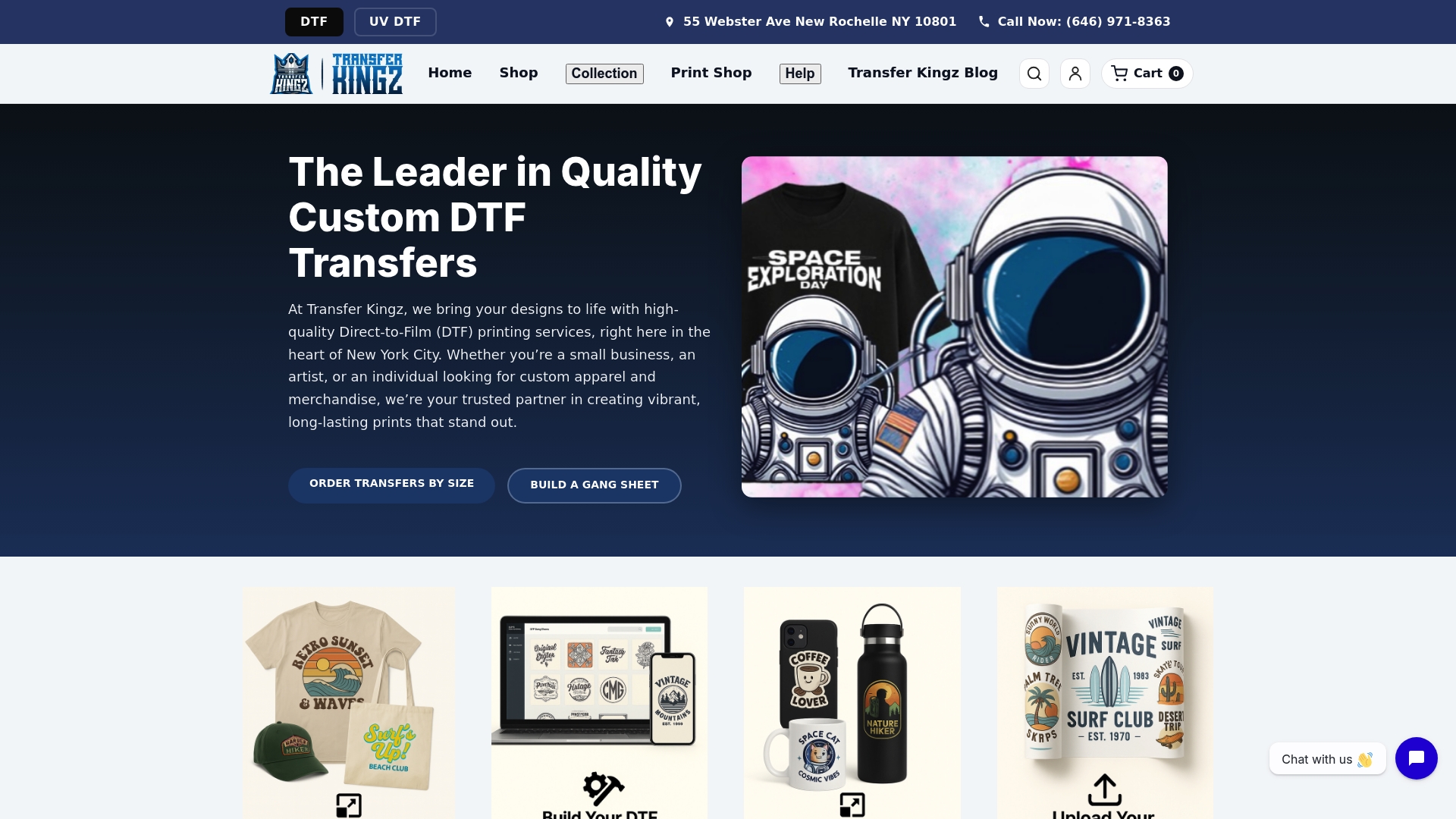
Transfer Kingz is the leading choice for small clothing businesses and independent designers who need top-tier Direct to Film (DTF) transfers with no minimums. The service pairs vibrant color reproduction with fast New York City shipping and reliable durability for production and prototypes.
Core Features
Transfer Kingz offers high-quality DTF printing with a vibrant color range and crisp detail across cotton polyester and blended fabrics. The platform provides no minimum order requirements, gang sheet builders, custom sizes, and a straightforward press and peel application process for fast production.
Pros
- Exceptional print quality: Transfers deliver vibrant colors and fine detail that hold up after multiple washes.
- No minimum order required: You can order a single transfer for a sample or scale to bulk runs without constraints.
- Fast turnaround and shipping: Lightning fast shipping from New York City speeds up deadlines for local brands and event orders.
- Durable transfers: Prints resist wear and wash which reduces returns and keeps customer satisfaction high.
- Custom options and sizes: You can create gang sheets and custom sizes to maximize material use and reduce cost per piece.
Who It’s For
Transfer Kingz is ideal for small business owners, independent clothing brands, graphic artists, and hobbyists who need professional grade transfers without large order commitments. It also suits screen printers and apparel decorators looking for reliable short run production.
Unique Value Proposition
Transfer Kingz stands out because it combines premium inks and films with accessible online tools that make production simple. The platform’s gang sheet builders and custom size options let you pack designs efficiently which lowers material waste and per unit cost. Quick turnaround paired with no minimum order makes this a superior choice for smart buyers who balance quality, speed, and cost.
Real World Use Case
A local clothing brand used Transfer Kingz to produce DTF transfers for a new capsule collection before a fashion event. They ordered mixed sizes without a minimum, received vibrant prints quickly, and applied transfers on site for final assembly and quality control.
Pricing
Pricing varies by transfer size and order quantity. Detailed prices are available on product pages and by request so you can get customized quotes that match your specific gang sheet layout and volume needs.
Website: https://transferkingz.com
Best Software for DTF Gang Sheet Design: The Ultimate Guide
At a Glance
This guide summarizes tools that help you build efficient DTF gang sheets with reliable color management for vivid transfer results. It highlights trade offs between ease of use and advanced print optimization so you can pick the right fit for your shop.
Core Features
The guide focuses on software capabilities that matter for production grade DTF work. Key features include support for multi design layout, color controls, and file compatibility.
- Multi design layout for placing several artworks on a single sheet to maximize material use.
- Color management tools to match brand colors and keep prints vibrant and accurate.
- High resolution export for sharp output and precise RIP processing.
- Layer separation and print optimization to prepare artworks for transfer and reduce waste.
Actionable takeaway: prioritize software that offers both layout control and color profiling for consistent print quality.
Pros
- Material efficiency: The tools enable efficient layout of multiple designs so you reduce film waste and increase yield per sheet.
- Color fidelity: Built in color management supports high quality, vibrant outputs that match on garment tests.
- Accessibility: The guide includes both professional and beginner friendly options so teams at different skill levels can adopt them.
- Print preparation: Included tools for print optimization and layer separation shorten the path from artwork to press.
- Workflow gains: Using these features improves overall workflow from design to print which lowers turnaround time.
Cons
- Design skill required: The software requires familiarity with design applications to unlock its full potential which may overwhelm new users.
- Additional costs: Some listed options such as Adobe Illustrator or CorelDRAW involve subscription or license expenses that increase overhead.
- Advanced learning curve: Specific features for professional output may require training or practice before they become productive.
Actionable takeaway: budget for either training or a simplified tool if you do not have experienced designers on staff.
Who It’s For
This guide targets graphic designers, print shop operators, apparel brands, and entrepreneurs running small printing businesses who want reliable tools to prep DTF transfers. It suits both those producing small custom runs and shops scaling to higher volume.
Unique Value Proposition
The guide brings together software choices that balance layout efficiency and color accuracy so you can produce consistent transfers without repeated test prints. It helps you match tool complexity to your shop size and budget.
Real World Use Case
A small shop uses Adobe Illustrator to arrange multiple T shirt designs on a single gang sheet and then exports high resolution files to RIP software for optimal press output. The setup reduces film cost and improves color consistency across runs.
Pricing
Pricing varies by product and licensing model.
- Adobe Illustrator: subscription based.
- CorelDRAW: one time purchase or subscription options.
- Affinity Designer: purchase license.
- CADlink Digital Factory: license based RIP software.
- Canva: free tier with premium options.
Actionable takeaway: choose software tied to your budget model whether subscription or one time license.
Website: https://dtfprintco.com/best-software-for-dtf-gang-sheet-design/
CorelDRAW Graphics Suite 2025
At a Glance
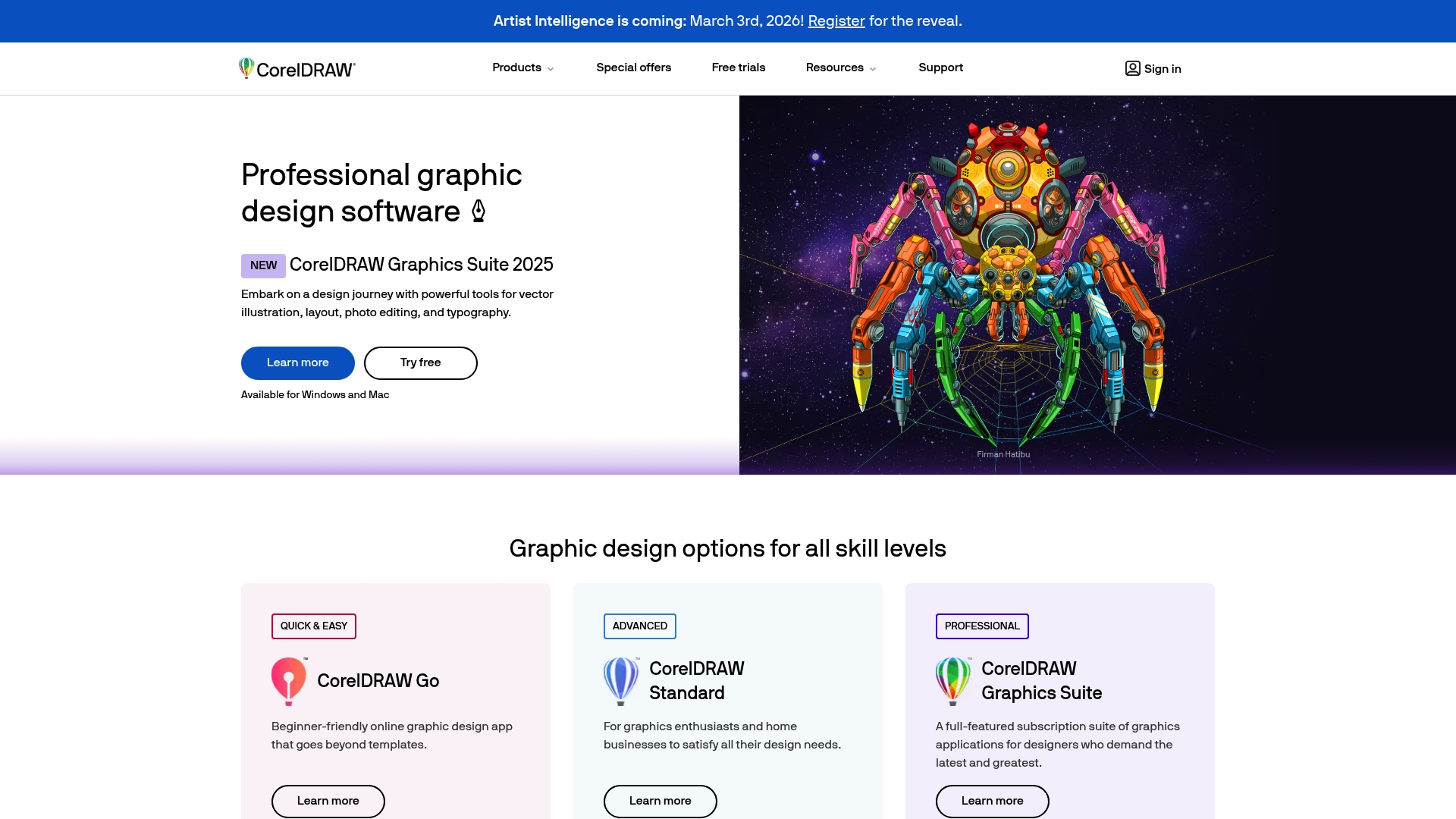
CorelDRAW Graphics Suite 2025 packs a broad set of tools for vector illustration and photo editing across Windows and Mac. It fits designers who need both professional features and beginner friendly apps for T-shirt and signage work.
Quick takeaway: Try the free trial to test layout and print workflows.
Core Features
CorelDRAW combines Vector Illustration, Layout Tools, Photo Editing, and Typography Tools in one suite aimed at print and digital projects. The package offers desktop software plus lighter online options to match skill levels and project scope.
Quick takeaway: Use vector tools for clean artwork and typography tools for production ready text.
Pros
-
Comprehensive toolset: The suite covers vector, layout, photo, and typography tasks so you rarely need a second program for apparel artwork.
-
Accessible for different levels: Beginner friendly online apps sit alongside pro features so you can scale skills without switching platforms.
-
Cross platform availability: It runs on Windows and Mac which prevents platform lock in for mixed workstations.
-
Multiple product options: Variants like CorelDRAW Go, Standard, and Professional Suite let you choose the feature set that matches your budget and needs.
-
Trial and education options: Free trials and educational discounts help small shops and students evaluate the software before committing.
Quick takeaway: Match the product option to your shop size before buying.
Cons
-
Pricing transparency is limited: Specific pricing details are not provided in the content which makes budget planning harder for small businesses.
-
Premium features may require purchase: Access to advanced capabilities can come with subscription or one time purchase obligations that increase costs.
-
Steeper learning curve for advanced tools: Mastering professional features will take time and practice for users new to vector workflows.
Quick takeaway: Allocate time for training and budget for advanced modules.
Who It’s For
This suite suits graphic designers, illustrators, and creative professionals as well as hobbyists and students who want a single package for print and digital design. Small clothing businesses benefit when producing T-shirt art, labels, and promotional prints.
Quick takeaway: Ideal for shops that produce varied print items in house.
Unique Value Proposition
CorelDRAW stands out by combining professional grade vector tools with approachable online apps and multiple product tiers. That blend helps small businesses grow from simple layouts to complex production files without changing ecosystems.
Quick takeaway: One ecosystem for design growth keeps files and processes consistent.
Real World Use Case
A small apparel shop uses CorelDRAW to design T-shirt graphics, arrange gang sheets for DTF printing, and set up packaging artwork. Vector art ensures crisp print results and layout tools speed up multi garment page setup.
Quick takeaway: Use vector files for scalable prints and gang sheets to maximize film usage.
Pricing
Pricing details are not specified in the provided content. The suite does offer free trials and educational discounts while premium features may need subscription or purchase.
Quick takeaway: Start with the free trial to confirm fit before buying.
Website: https://coreldraw.com
Affinity
At a Glance
Affinity bundles professional graphic design, photo editing, and layout tools into a single, free desktop suite for macOS and Windows. It delivers fast, precise results for vector and pixel work while offering deep customization for recurring workflows. Expect a short learning curve for advanced tools but strong value for the price.
Core Features
Affinity provides all in one design tools that combine vector, pixel, and layout workflows in one application. The software offers customizable studios so you can build workspaces for specific tasks and non destructive editing with live updates and advanced RAW and retouching tools.
Pros
- Free to use: The desktop apps give full access to core tools and features without a subscription.
- Broad file compatibility: Affinity imports and exports PSDs and other common formats so you can work with client files directly.
- Custom workspace: The ability to save tool setups speeds repeatable tasks and reduces context switching between apps.
- Fast performance: The apps are optimized for macOS and Windows which keeps large files responsive during editing.
- Strong editing toolset: Vector drawing and pixel retouching live in the same app so you can finish branding and photo work without app hopping.
Cons
- Requires installation on supported operating systems which limits use on mobile devices.
- Advanced features present a learning curve for users new to professional design software.
- Mobile and iPad versions are still in development which delays true cross device workflows.
Who It’s For
Affinity fits creative professionals and enthusiasts who want a powerful, subscription free alternative to legacy design suites. Small clothing business owners and independent designers will benefit from the vector tools for mockups, the photo editor for product shots, and layout tools for labels or lookbooks.
Unique Value Proposition
Affinity stands out by combining professional vector, raster, and layout tools inside a single, fully featured app you can use for free. That unified approach reduces file transfers and keeps production time lower when you handle branding, photo edits, and multi page layouts.
Real World Use Case
A designer uses Affinity to build a clothing brand identity. They create vector logos, edit RAW product photos, and assemble a multi page catalog without exporting between separate apps. The result is faster delivery and consistent visual output for the client.
Pricing
Free with optional premium features and access to Canva AI tools for users on the Canva premium plan.
Website: https://affinity.serif.com
Fiery Specialty Production
At a Glance
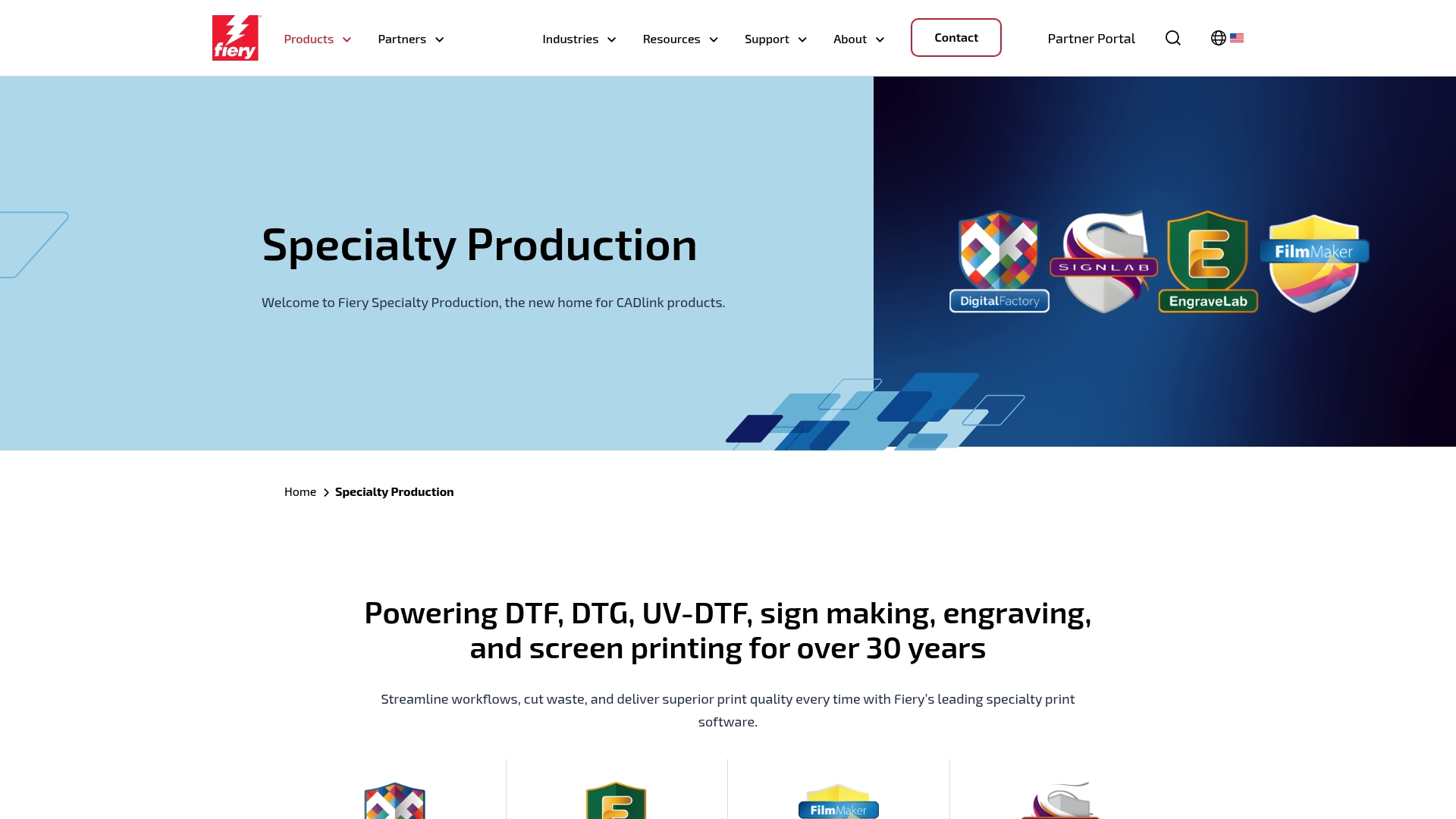
Fiery Specialty Production gathers CADlink products into a single platform that supports DTF, DTG, UV-DTF, sign making, engraving, and screen printing. It suits professional shops that need a broad suite of tools and industry-focused support.
Core Features
The platform delivers powerful software for multiple specialties including Digital Factory, SignLab, EngraveLab, and FilmMaker to manage job preparation and production. It focuses on workflow efficiency, print quality improvement, and offers support and reseller purchase options.
Pros
-
Specialized multi-industry support: The software addresses DTF, DTG, UV-DTF, sign making, engraving, and screen printing in one product family. This reduces the need to piece together separate tools.
-
Established track record: The product lineage spans over 30 years, reflecting sustained development and long-term industry presence.
-
Broad product and resource set: A wide range of software titles and support resources are available to address different stages of production and technical needs.
-
Partner and community network: A reseller network and partner ecosystem make procurement and local support more accessible for businesses.
Cons
-
Pricing information may require direct inquiry rather than showing transparent public rates, which slows vendor comparison.
-
Specific feature suitability varies by industry and might require careful evaluation to match your shops unique processes and hardware.
Who It’s For
Professional printing businesses and industry specialists who handle specialty printing processes will benefit most from Fiery Specialty Production. If you run a sign shop, engraving service, or a production line that spans DTF and DTG work, this product family fits your needs.
Unique Value Proposition
Fiery Specialty Production brings CADlinks diverse software lineup under one brand, offering integrated options for diverse specialty print workflows. The combination of multiple dedicated tools and a reseller support model targets shops that need industry-specific controls and vendor relationships.
Real World Use Case
A sign-making company uses SignLab and Digital Factory to schedule large-format jobs, handle color management, and minimize material waste. The result is consistent output quality across jobs and fewer manual adjustments on the production floor.
Pricing
Pricing details are available upon request or through the Fiery Shop website. Contacting sales or a reseller provides tailored quotes based on the software mix and licensing needs.
Website: https://cadlink.com
SAi Software Suite
At a Glance
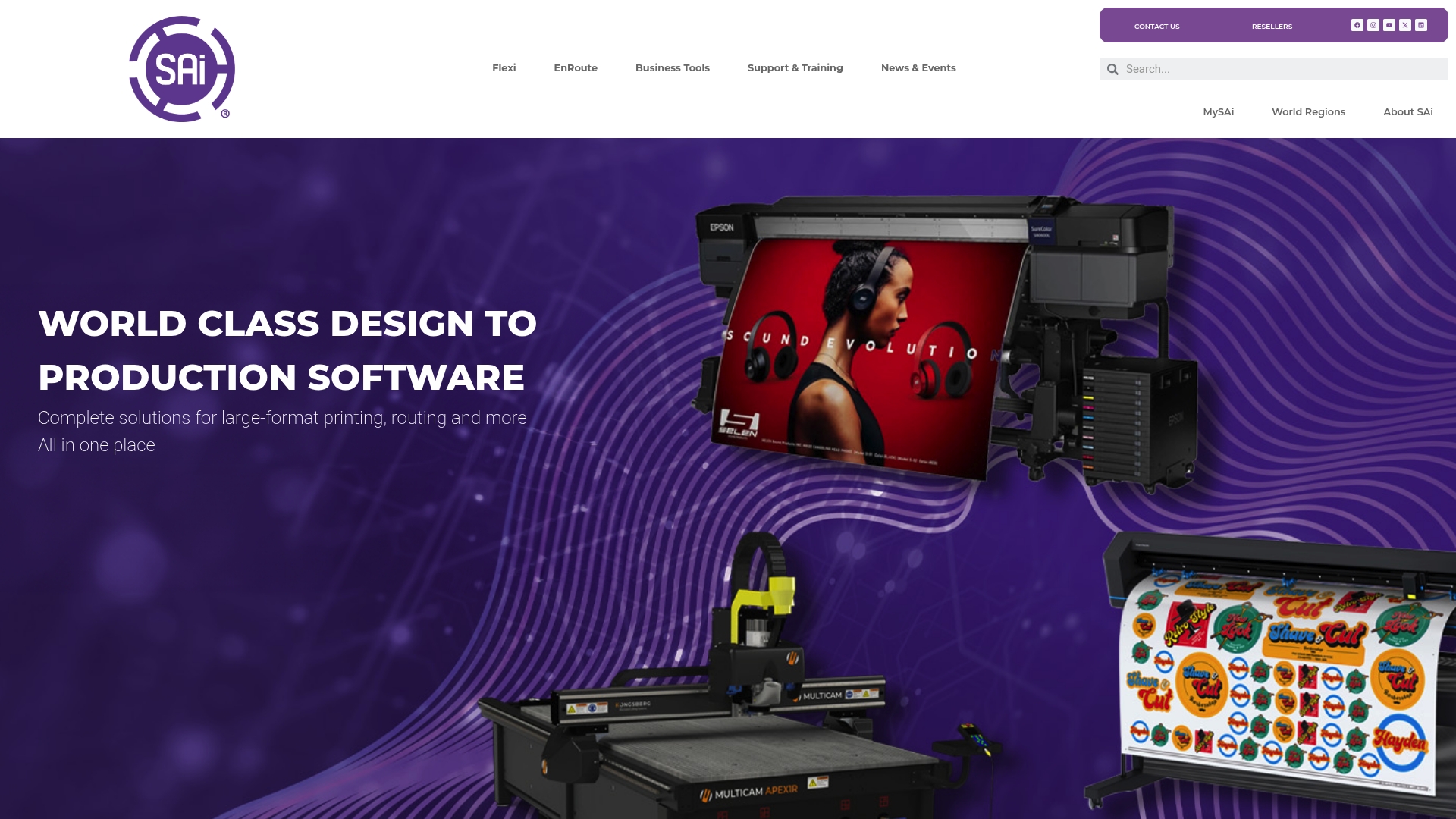
SAi Software Suite is a mature, professional collection designed for print shops, sign makers, and CNC shops that need coordinated design, print, and cut tools. Its strength lies in integrated workflows and decades of industry experience that reduce guesswork.
Takeaway: Contact a reseller to match modules to your shop.
Core Features
SAi combines Flexi and EnRoute to offer an all-in-one solution for design, print, cut, and CNC routing with advanced color management and nesting. The package includes industry standard tools, regular updates, and a global support network for shops of every size.
Takeaway: Evaluate which modules you need before buying.
Pros
- Trusted industry leader: SAi has over 30 years of experience, which gives shops confidence in long term stability and product maturity.
- Comprehensive software ecosystem: The suite covers sign making, printing, CNC routing, and fabrication so you can manage multiple production steps inside one platform.
- Strong support and training: Online, virtual, and onsite training options plus an active community reduce ramp up time for new users.
- Advanced color and nesting: Built in color management and nesting improve material yield and color consistency across jobs.
Takeaway: Expect strong vendor support and training resources.
Cons
- Higher cost for small shops: The premium nature of the suite means pricing can be a barrier for very small businesses with tight budgets.
- Feature complexity for beginners: Many advanced tools require training so solo operators may face a learning curve before production speed improves.
- Hardware and driver dependency: Full functionality relies on compatible hardware and up to date drivers which adds procurement steps for some shops.
Takeaway: Budget for training and compatible hardware when planning adoption.
Who It’s For
SAi is aimed at professionals and businesses in sign making, large format printing, CNC routing, and fabrication who need robust, proven tools. If your shop runs mixed production types and you want a unified software backbone, SAi fits that profile well.
Takeaway: Ideal for multi-discipline shops that prioritize reliability over low entry cost.
Unique Value Proposition
SAi offers a single vendor ecosystem that links design through production with industry standard tools, continual updates, and a global reseller network. That integration reduces handoff errors between departments and centralizes training and support under one provider.
Takeaway: Choose SAi if you value integrated toolsets and ongoing vendor support.
Real World Use Case
A medium sized sign shop uses SAi Flexi to design and print large banners and graphics then switches to EnRoute for CNC routing of custom elements. The shop reports fewer transfer errors and faster job turnover after consolidating on the suite.
Takeaway: Combine modules to cover both print and fabrication tasks.
Pricing
Pricing is provided on request and varies by product suite and licensing options. Buyers should contact SAi or an authorized reseller to get a tailored quote based on modules and seat counts.
Takeaway: Request a quote and compare module costs to your current software spend.
Website: https://thinksai.com
Comprehensive Comparison of DTF Printing and Design Tools
Below is a comparison table summarizing key software and services for DTF printing and graphic design, based on features and suitability for different user needs.
| Product Name | Features | Pros | Cons | Pricing |
|---|---|---|---|---|
| Transfer Kingz | High-quality DTF printing; vibrant colors; no minimum orders; gang sheet customization; quick press and peel application. | Exceptional durability; scalable order sizes; fast shipping; custom sizing and options. | Pricing details not explicitly provided. | Available upon request. |
| Adobe Illustrator | Multi-design layout; color management; high-resolution export; layer separation for precision outputs. | High color fidelity; supports advanced workflows; widely adopted industry standard. | Subscription-based cost; requires learning curve. | Subscription model. |
| CorelDRAW Graphics Suite 2025 | Tools for vector illustration, layout, photo editing, and typography; compatible with Windows and Mac platforms; scalable for different user levels. | Comprehensive design options; cross-platform support; free trials available for evaluation. | Pricing specifics not detailed; advanced modules require learning. | Trial available; pricing on request. |
| Affinity | Vector, raster, and layout combination; customizable workspace; broad file format support; optimized for high performance. | Free access to core tools; reduced production time for branding and layout tasks; responsive software for large designs. | May not support mobile use; advanced tools involve learning curve. | Free access. |
| Fiery Specialty Production | Workflow support for specialty printing like DTF, DTG, UV-DTF, and screen printing; partnership networks for software resourcing. | Specialized multi-industry capabilities; strong support network; broad range of supported printing services. | Transparency around pricing limited; feature applicability varies by industry. | Pricing upon inquiry. |
| SAi Software Suite | Flexi and EnRoute modules; integrated design, print, cut, and color nesting tools; comprehensive ecosystem for production steps management. | Robust features for print shops; trusted industry reputation; compatibility with varied production tasks; strong training resources. | Higher costs for small businesses; feature complexity requires training; dependency on hardware updates. | Custom quotes provided. |
Choose The Right DTF Printing Partner To Maximize Your Gang Sheet Designs
Navigating the complex world of DTF gang sheet software can be overwhelming when you need perfect color management, efficient layout, and print-ready files. This article highlights how mastering multi-design layouts and color accuracy are critical for reducing film waste and achieving vibrant, durable transfers on your garments. Yet even the best software cannot deliver results without a reliable print partner who understands how to transform these optimized files into exceptional finished products.
Transfer Kingz bridges that gap by offering high-quality DTF transfers produced with premium inks and films tailored for gang sheets of any size. Whether you are a small business or an independent designer seeking no minimum orders or fast turnaround, Transfer Kingz empowers you to bring your digital designs to life with ease. Explore our user-friendly Gang Sheet Builder and discover how our durable, vibrant transfers hold up wash after wash so you can deliver consistent quality to your customers.
Ready to transform your digital layouts into standout apparel?

Bring your DTF gang sheet designs from screen to shirt with Transfer Kingz today. Visit our homepage to upload your artwork, use our custom gang sheet tools, and get started on high quality transfers with fast shipping and no minimum requirements. Make every print count by choosing a partner that understands both the art and science of direct to film transfer production.
Frequently Asked Questions
What features should I look for in DTF gang sheet software?
Look for software that supports multi-design layouts, color management tools, and high-resolution exports. Prioritize programs that also offer layer separation and print optimization to enhance efficiency and reduce waste.
How can DTF gang sheet software improve my production process?
Using specialized DTF gang sheet software can streamline your workflow by maximizing material usage and minimizing print errors. This can lead to a reduction in film waste and an increase in the number of usable designs per sheet, potentially improving your overall yield by 20% or more.
Is there a learning curve associated with DTF gang sheet software?
Yes, many DTF gang sheet software options have a learning curve, particularly for advanced features. To minimize this, invest time in training or select software with user-friendly interfaces targeted at beginners.
How can I ensure color accuracy in my DTF transfers?
Ensure color accuracy by utilizing software that includes robust color management tools. Regularly test prints on similar fabric to your final products, and make adjustments based on the outputs, aiming for consistency in your color representation.
What is the ideal budget range for DTF gang sheet software?
Budget for DTF gang sheet software can vary widely, from one-time purchases to subscription costs. Assess your shop’s needs and compare the value of various features to determine a suitable budget that maximizes return on investment while meeting your production goals.
Can I trial DTF gang sheet software before purchasing?
Most DTF gang sheet software options offer free trials or demo versions that allow you to explore the features and workflows. Take advantage of these trials to evaluate usability and fit for your specific needs in real-world projects.
Recommended
- Top 7 DTF Gang Sheet Builders Comparison 2026 for Cloth Print Efficien – Transfer Kingz
- What is a Gang Sheet in DTF? Meaning, Benefits & How to Create One – Transfer Kingz
- Top 6 Best DTF Transfer Providers in 2026 for Custom Merchandise Produ – Transfer Kingz
- Top 4 DTF Transfer Solutions for Print Shops in 2026 – Transfer Kingz
0 comments